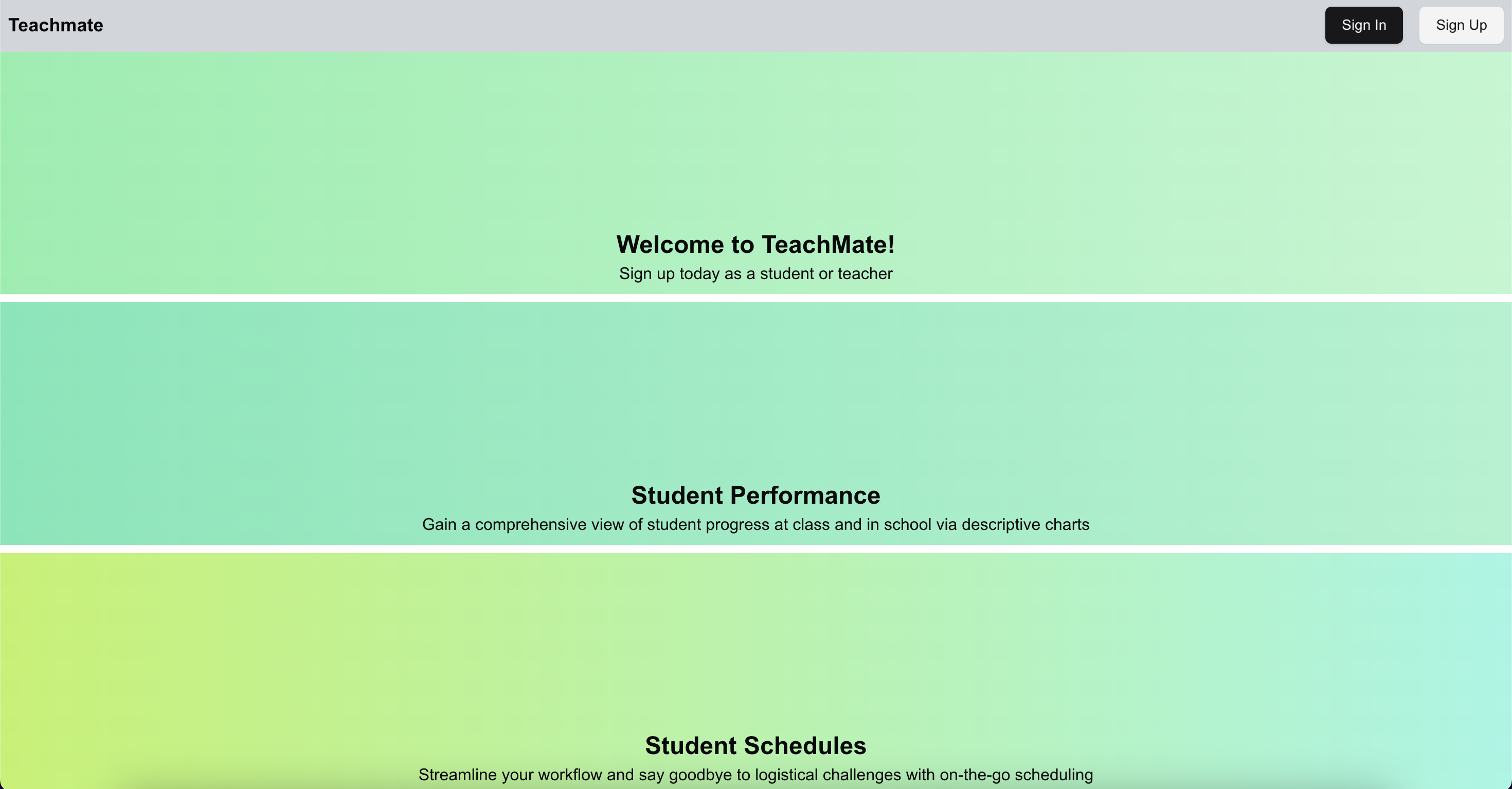
Helping my Mom manage her tuition classes better.
shadCn UI and Algorithms

Kaveesh Khattar
Nov 09, 2024

The Problem Statement
The problem was the inefficient tracking of student performance. Moreover, my Mom used to spend half an hour every Sunday in creating schedules for her students, leading to significant time consumption.
Technology
I wanted to explore some trending and emerging tools, so for this project, I chose Clerk for authentication, shadCN for the UI, Next.js for both the frontend and backend, and PostgreSQL for the database. After completing the development, I deployed the app to Vercel.

Idea and Proposal
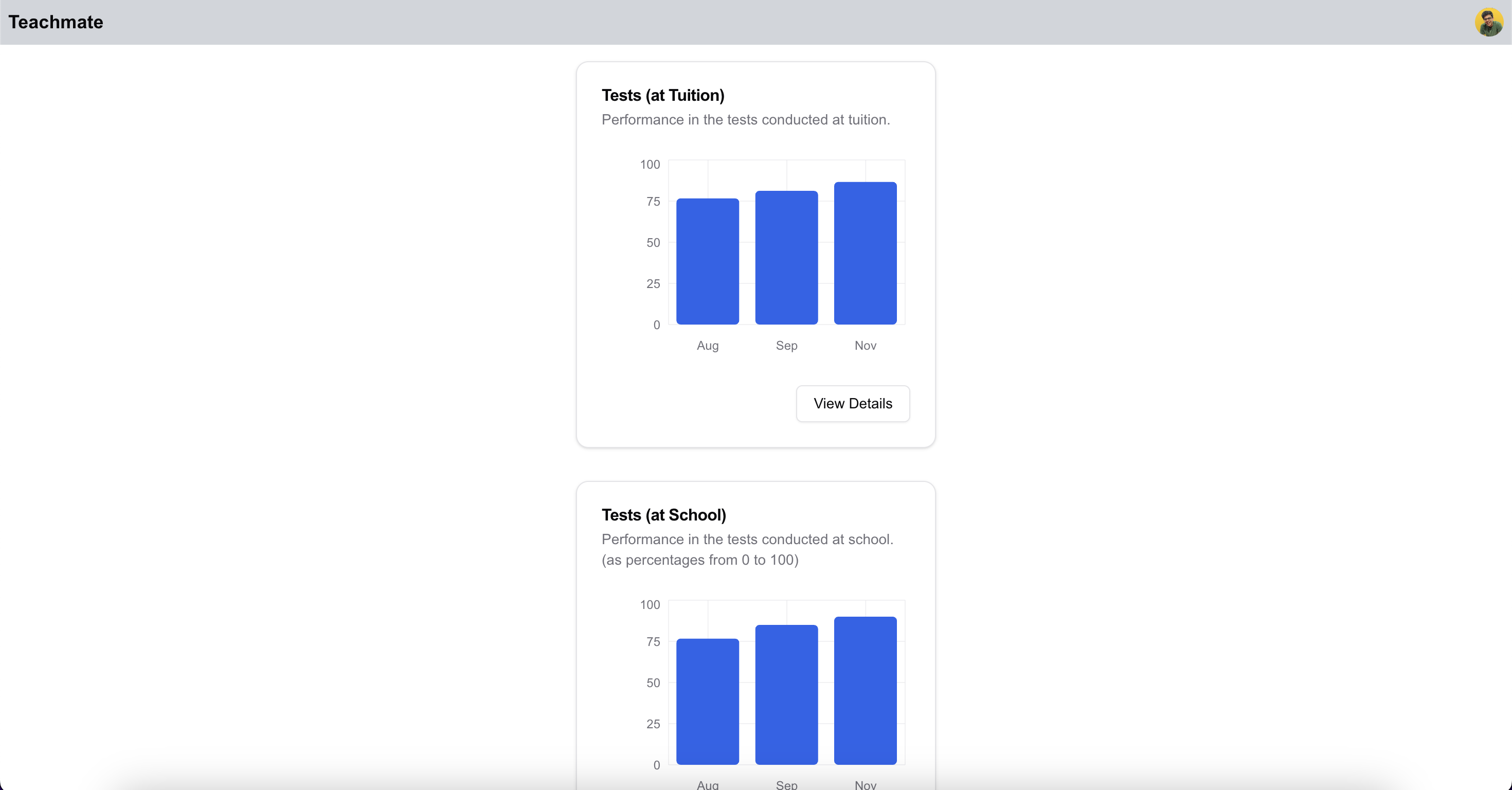
I wanted to build a platform that would improve the way class efficacy is tracked by using charts to display students' marks in school tests and tuition tests. This would help the teacher assess whether her methods are working, while also allowing parents to see the impact of the classes. This is where shadCN really shined.
Additionally, I aimed to solve the time-consuming task my mom faces in creating and adjusting schedules daily, especially when a student misses a class due to illness or other reasons and she has to go over the entire process all over again.
Week 1: Setting the stage
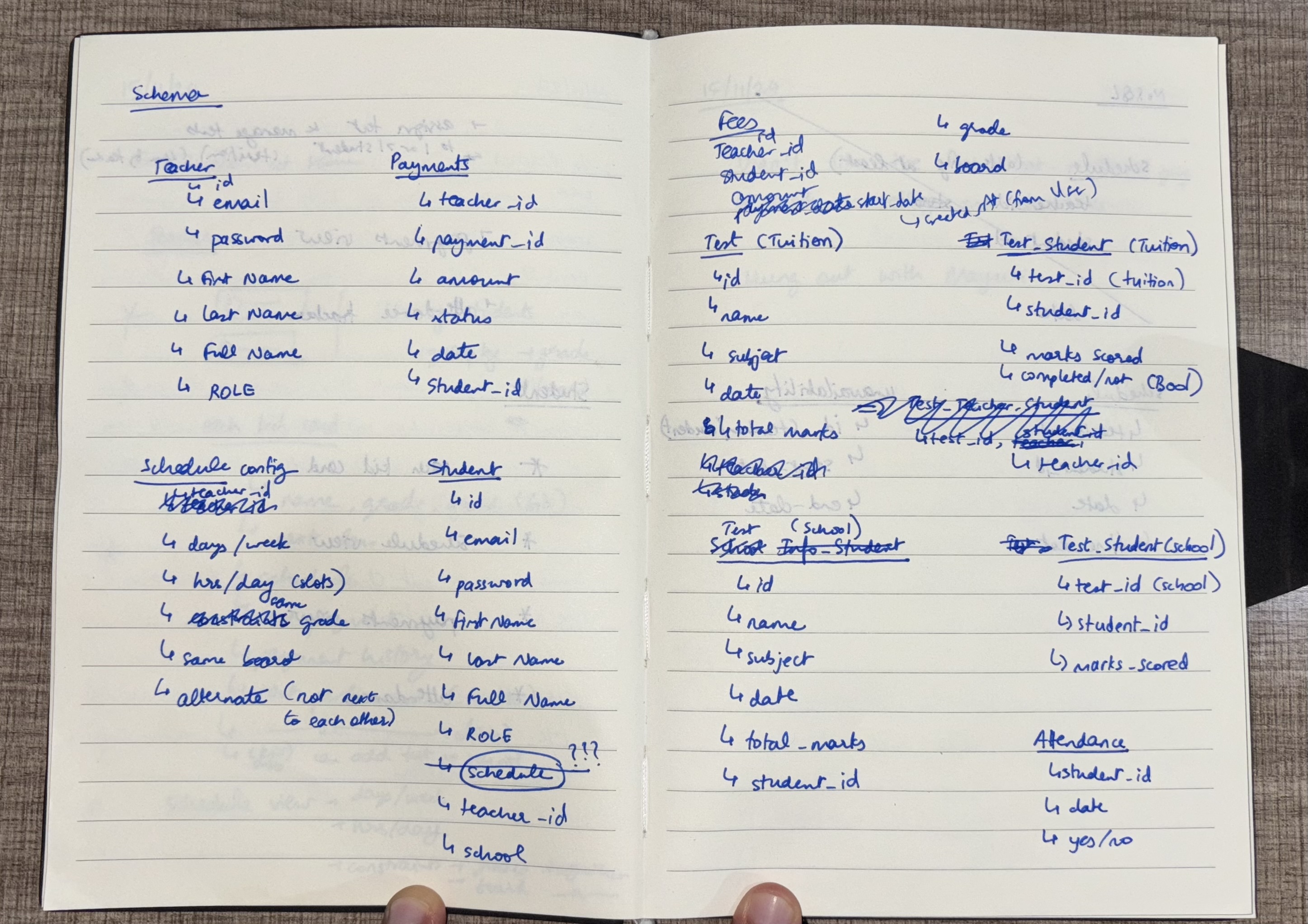
I started with listing the features and designing the schema for TeamFinder.
Week 2: Setting up Authentication
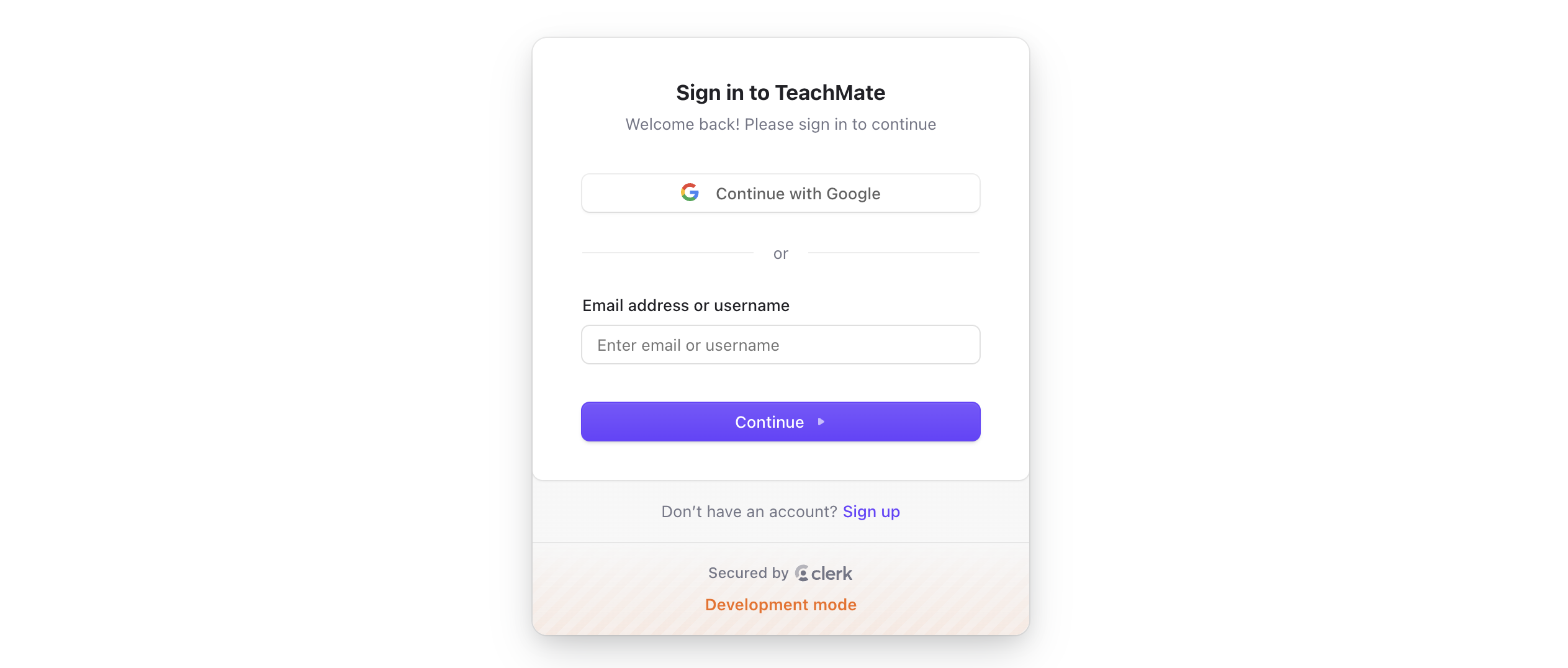
I used Clerk for authentication, and setting it up was a breeze. Not only could I implement authentication easily, but I also took advantage of the prebuilt UI components. I was able to add custom data to the user metadata as JSON. Overall, it was a great experience using Clerk. I look forward to setting up OAuth as well; I haven't done it yet due to not having a GCP account, but I'm excited to learn it.
Week 3: Building the "Charts" feature
I began by building the feature that allowed students to input their marks from school. Next, I implemented the functionality for teachers to add students' test marks from tuition. Finally, I integrated shadCN to display this data through animated, responsive charts.
Week 4: Building the "Schedule" feature
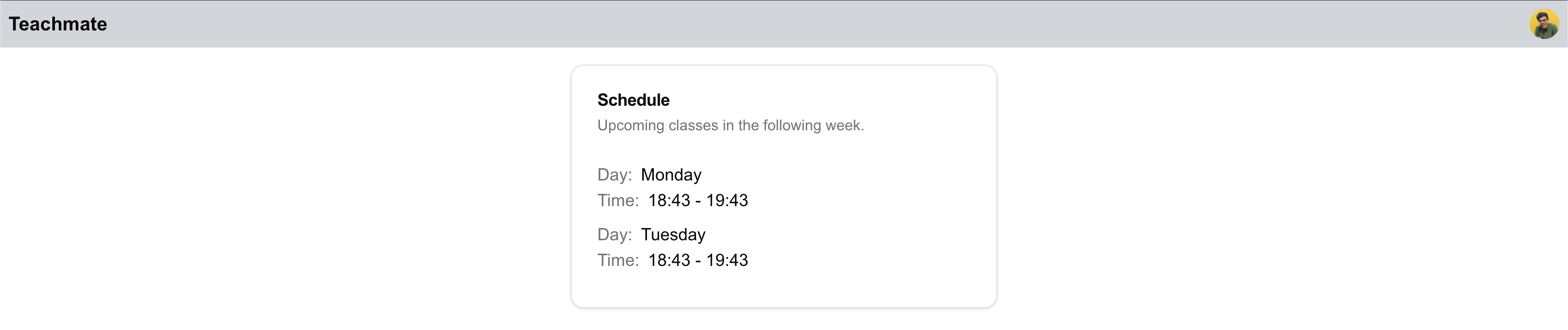
Next, I focused on building the on-the-fly schedule creator, which was designed to automatically generate and update schedules based on changing conditions. I began by writing the backtracking logic to handle the basic scheduling constraints, followed by implementing dynamic programming (DP) logic to optimize the scheduling process and ensure efficiency.
After that, I integrated the scheduling functionality with the existing app, ensuring smooth data flow and functionality. Finally, I enhanced the user interface to make it more intuitive and user-friendly, providing a seamless experience for the teacher when managing schedules.
Week 6: Testing & Deployment
I tested my Next.js project by checking the functionality of both the frontend and backend, ensuring proper data flow between the UI (built with shadCN) and PostgreSQL database. I also validated the app's usability and responsiveness, and then deployed it to Vercel.
The Final Result
The project is now live here, check it out! Building this project was a great learning experience and I still feel there is a lot more to learn in terms of the technicalities within Next.js and I look forward to learning them and sharing my learnings.