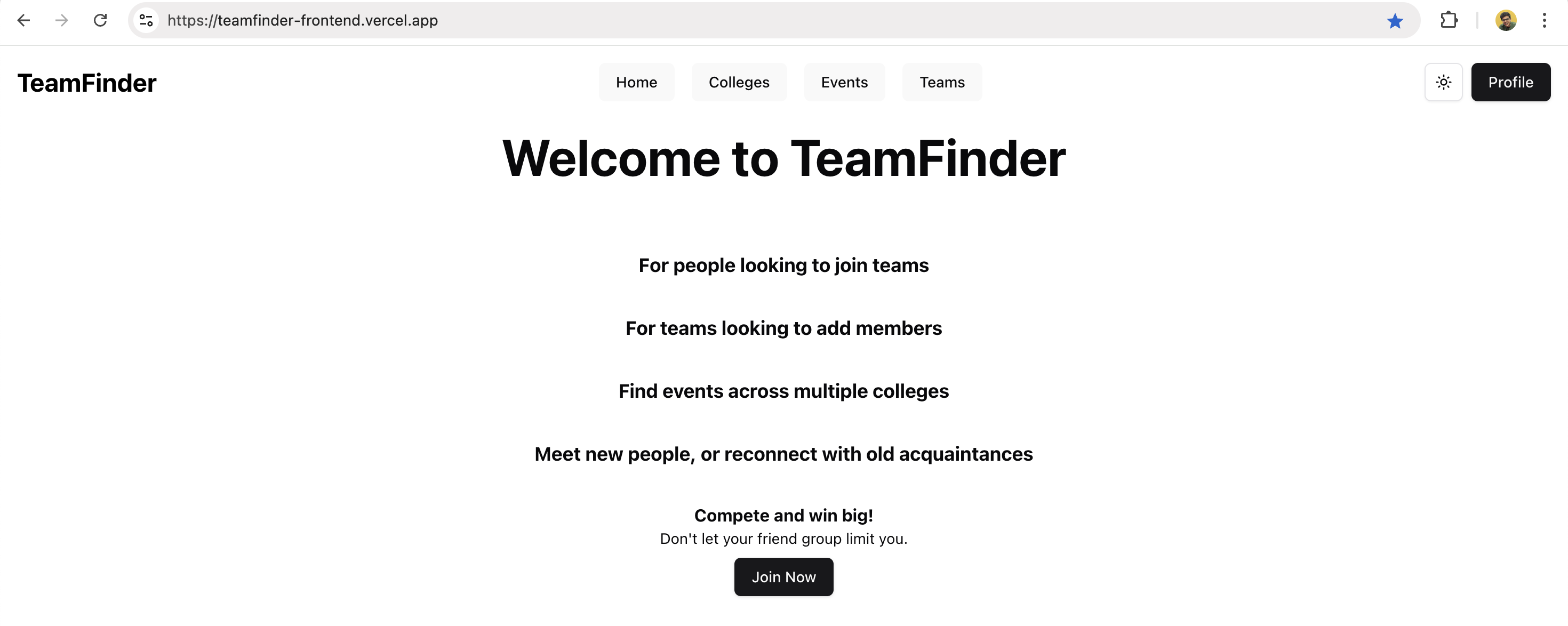
Combining Tinder & Loopt for team finding
Problems shaped by personal experiences lead to ingenious solutions - like combining 2 existing ideas.

Kaveesh Khattar
Apr 15, 2022

The Problem Statement
As I walk through my college hall, I come across a poster titled: Hall-o-thon, a hackathon on Halloween. It's my second year of college, but my first time on campus since Covid restrictions got a bit lenient, so I was amped to go. I decided to ask my friends after class to form a team and sign up for it.
"I'm out of town", "I've a family event", "It's a Sunday dude!". Everyone I hung out with backed out. So, you guessed it, I didn't end up going. Only to realise that there were at least a couple of teams who had people I knew from high school who attended the event and had a spot on their team and might have even been looking for people. Only if I knew that they were going.
Technology
The technology I worked with on this project was nothing edgy. A conventional, yet reliable tech stack and was a reflection of the tech I was using at AT&T.
I went ahead with Spring Boot as the backend for the application, fetching data from a PostgreSQL database (hosted on Supabase), displaying the web pages with React.js. After dockerizing the backend and frontend I hosted them on Render and Vercel respectively.

Idea and Proposal
I wanted to build a platform that would help improve discovery of teams that include people you may have known in the past—acquaintances you might not have considered approaching. This platform would connect you with teams actively seeking members, ensuring you aren't limited by your immediate circle.
1. Tinder: Match with teams
2. Loopt: Discover where your friends are and how close they are to you. [Sam Altman's pitch]
Now imagine combining the two—discover which teams your acquaintances are part of and connect effortlessly. It's Tinder meets Loopt!
Week 1: Setting the stage
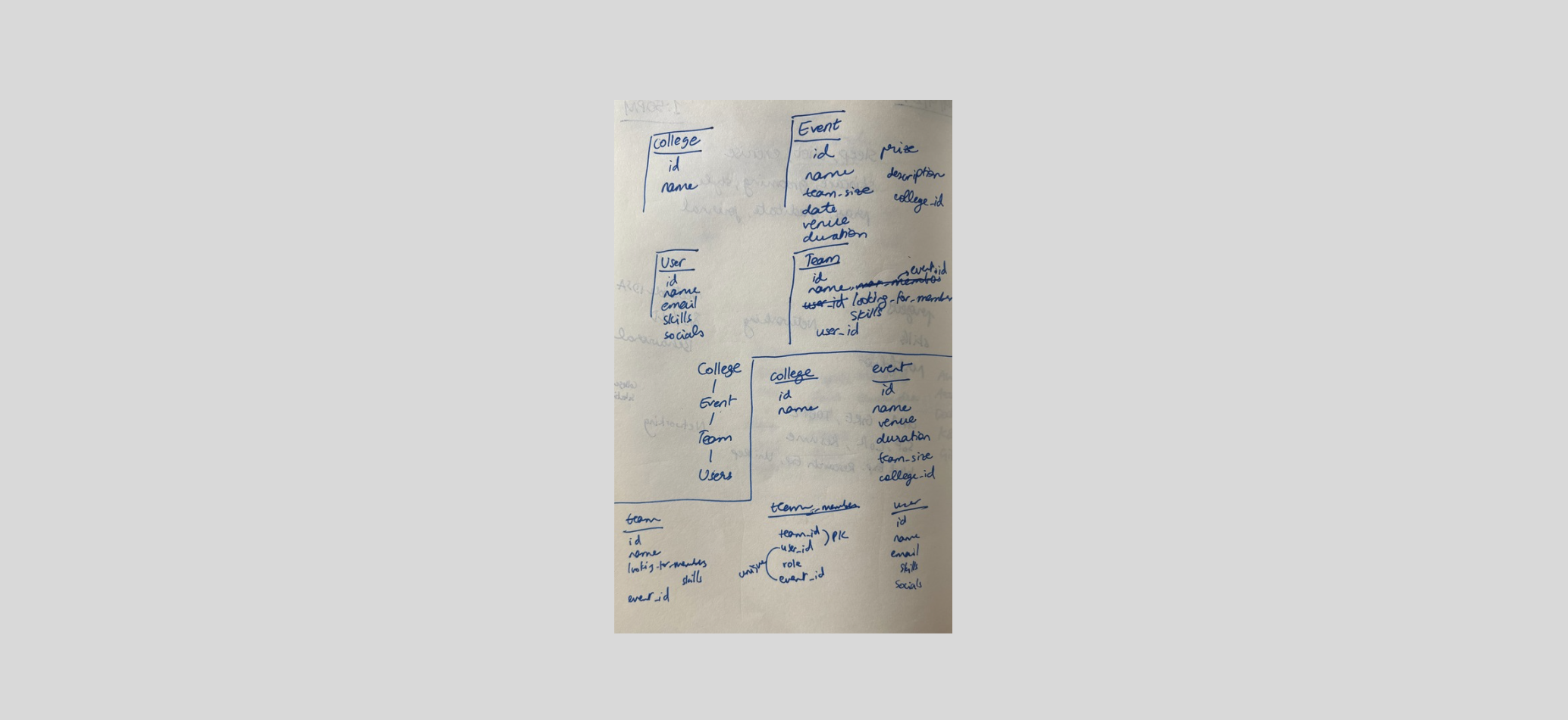
I started with listing the features and designing the schema for TeamFinder.
Week 2: Setting up Authentication
This was more difficult to implement. I started from scratch here. I began by creating models to store user data and followed up with Data Transfer Objects (DTOs) to manage user details and credentials, such as JSON Web Tokens (JWTs).
Next, I developed the core authentication logic. The process began with implementing functionality to load a user based on their email. If the user was new, a service was triggered to send a verification email containing a unique code for email validation. I then implemented a JWT filter service to extract claims (data embedded within the token) and validate users, ensuring they remained signed in for longer durations. For new users, the service generated fresh tokens. Additionally, I wrote JWT refresh logic to renew tokens upon expiration, limiting the refresh process to a predefined timeframe (e.g., a specific number of weeks).

Week 3: Building the "Colleges" & "Events" features
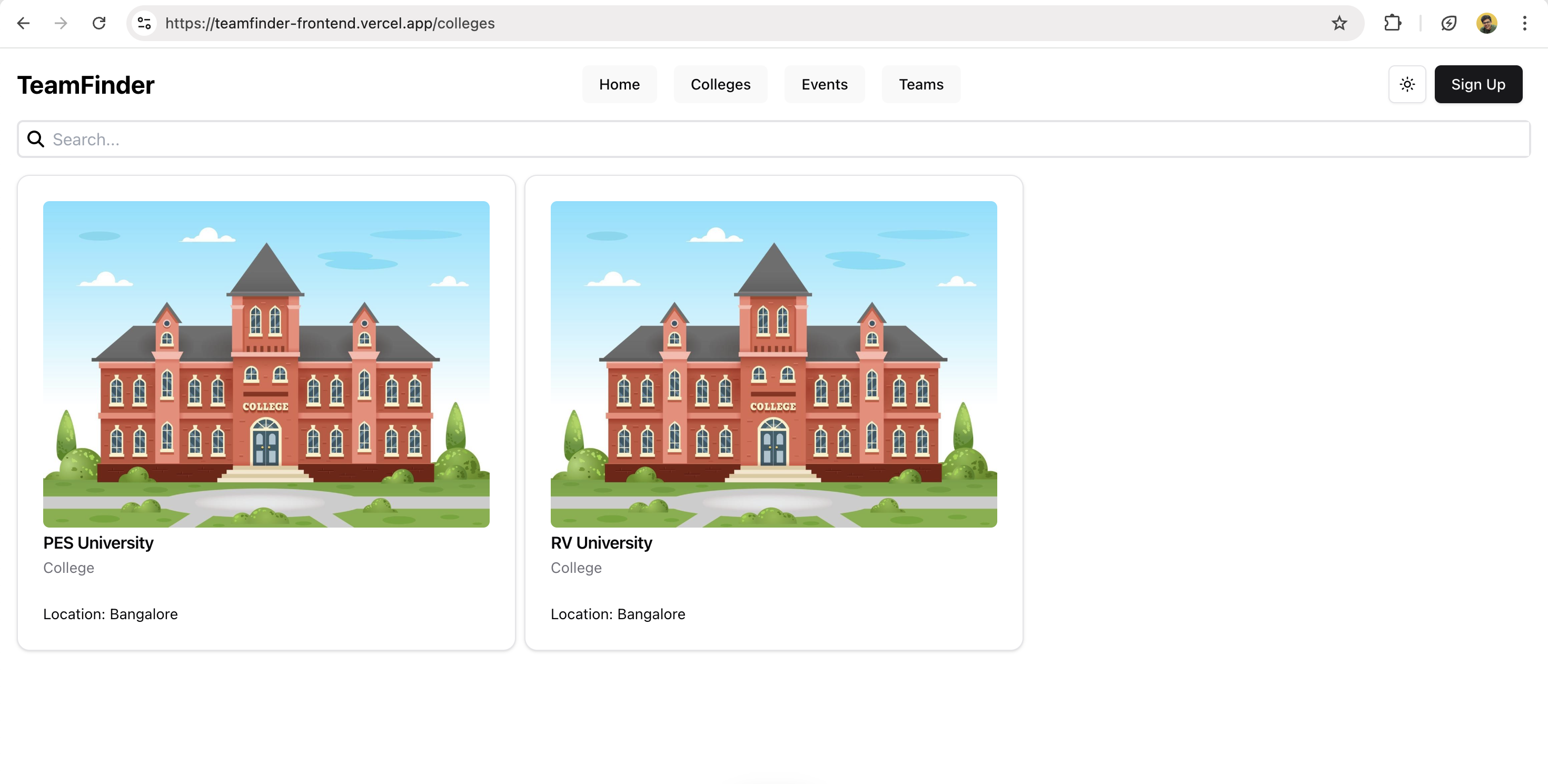
Once authentication was complete, I shifted focus to building the core features of the application. I began by implementing functionality to view all colleges hosting team events. This involved creating the model, repository, service, and controller. To handle CORS issues caused by the frontend being hosted on a different domain, I implemented a preflight OPTIONS request.
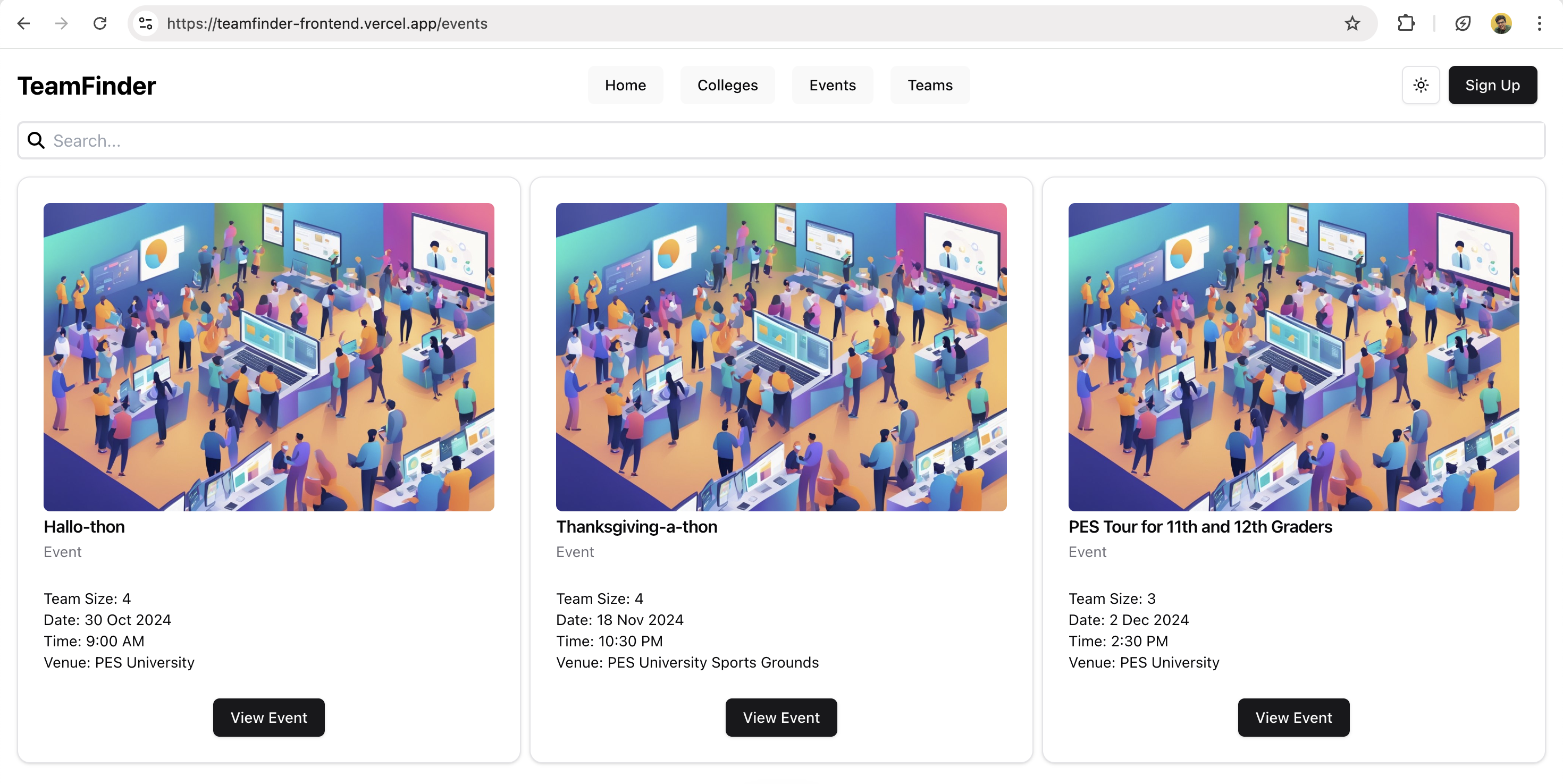
Next, I developed the Events feature, which displayed details such as the required number of team members, event date, and venue. This implementation was relatively straightforward, as it followed a similar structure to the college feature, making the process more efficient.
Week 4: Building the "Teams" feature
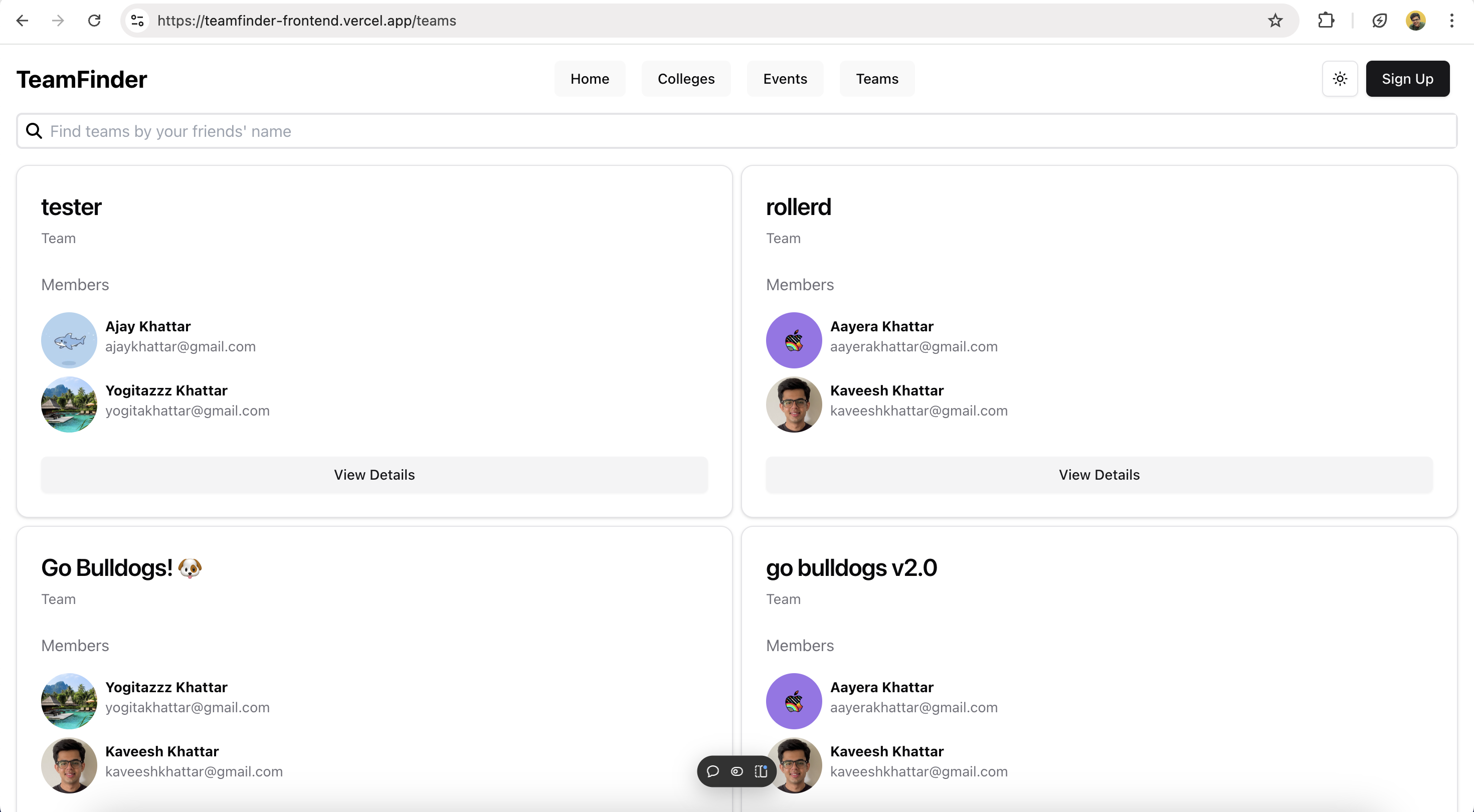
Next, I developed a feature where users could view the different teams registered for an event, along with their contact information, such as email addresses. This made it easy for individuals to reach out and collaborate when needed.
Week 5: Building the "Interested Individuals" feature
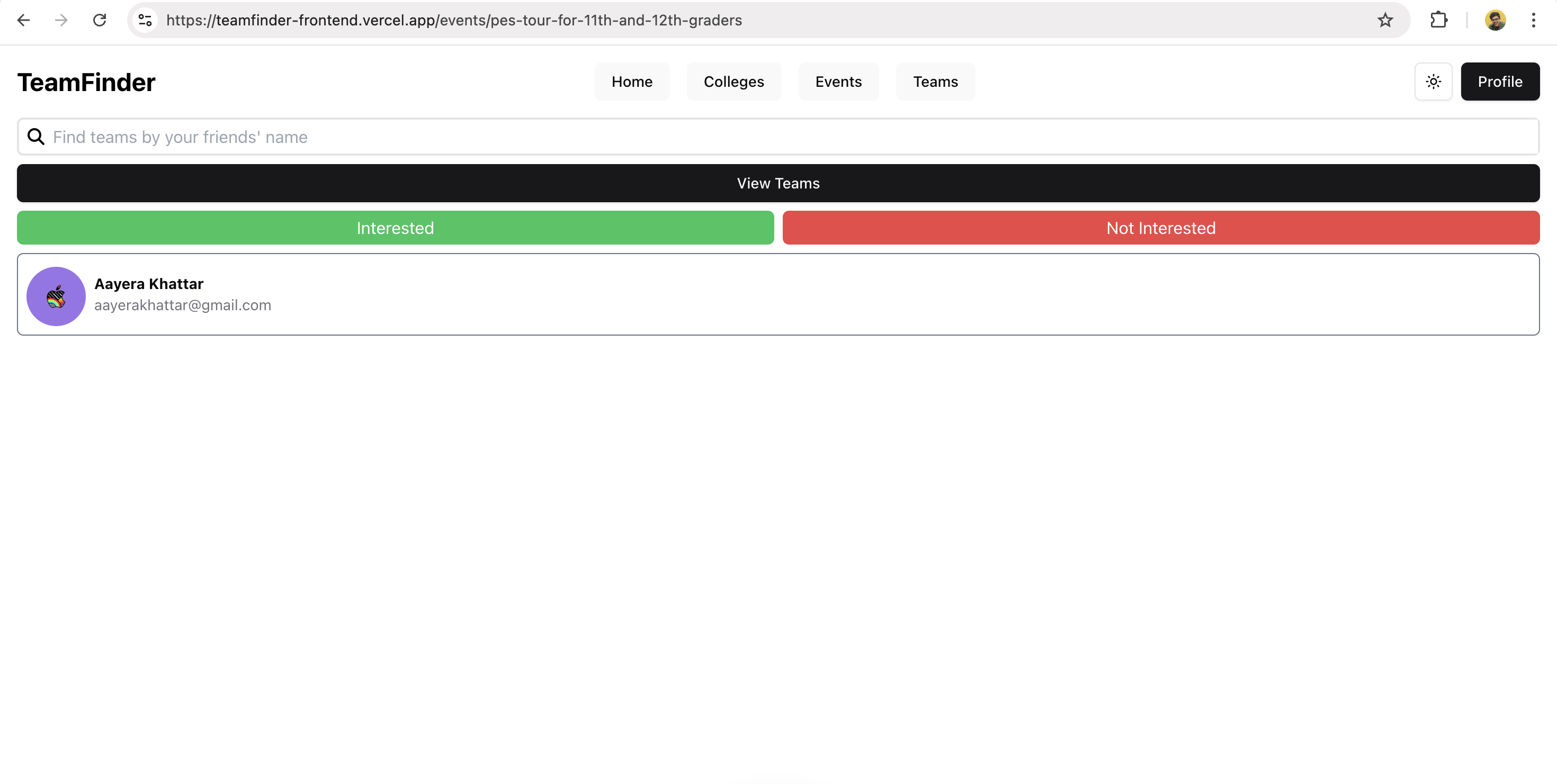
An interesting feature of this application is its bidirectional search functionality. Not only can individuals search for teams, but teams can also search for individuals or small groups to join them. In this section, teams can view a person's email and directly reach out to them, facilitating seamless collaboration.
Week 6: Testing & Deployment
I containerized the backend using Docker and uploaded the Docker image to Render for deployment. The frontend was deployed to Vercel, and I updated the API endpoints to point to the new domain hosted on Render.
The Final Result
The project is now live here, check it out! While building this project I learnt a lot and I still feel there is a lot more to learn in terms of the technicalities within Spring like File Uploads and leveraging the rest of the tools in the Spring ecosystem.